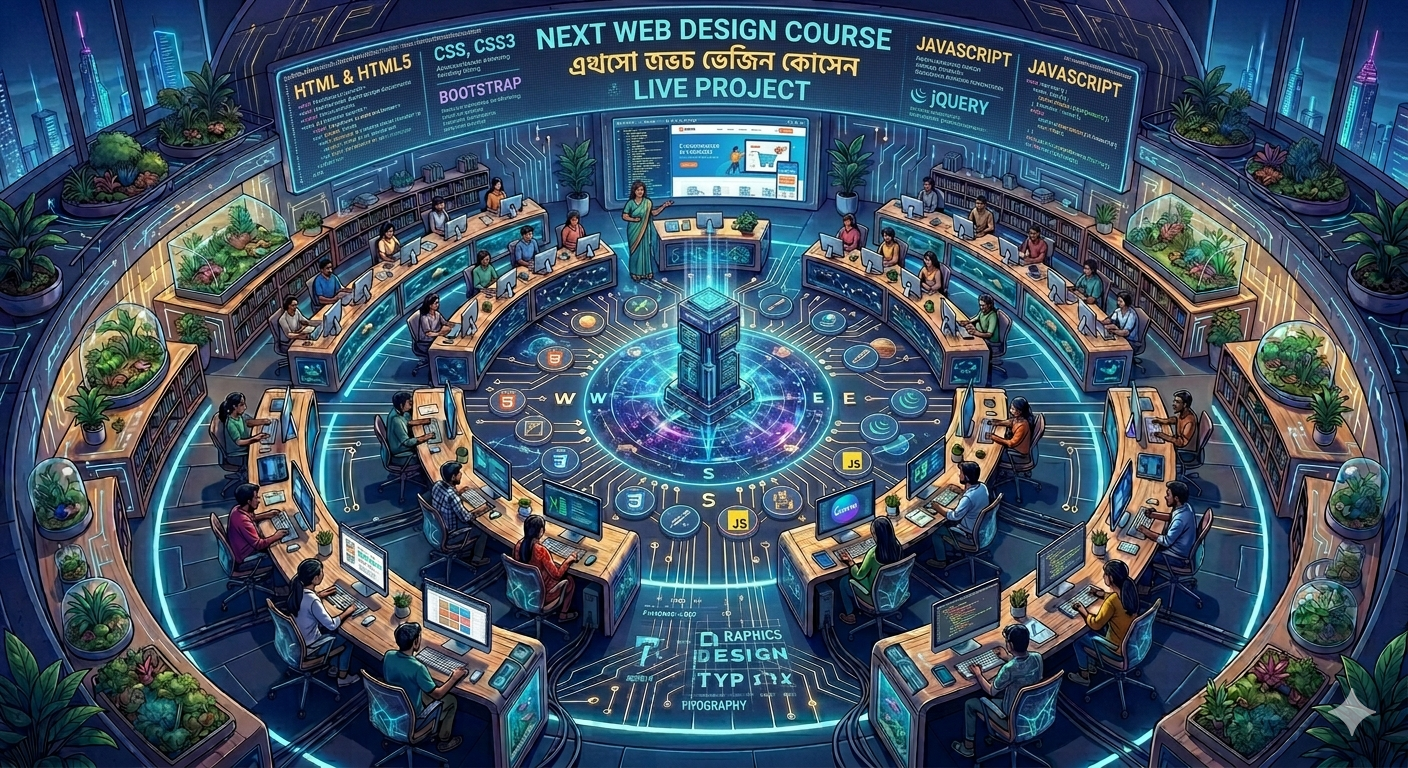
Professional Web Design Batch is Now Open!
Stop just browsing the internet—start building it! Learn the exact front-end frameworks and programming scripts used by modern tech agencies, and gain hands-on experience by deploying a real-world web application.
Course Overview
This program delivers complete mastery over modern user interface (UI) development. Students progress systematically from writing raw semantic text structures to compiling interactive scripting libraries, concluding with an industry-grade live website deployment.
📅 Detailed Module-by-Module Curriculum
Module 1: HTML & HTML5 (The Architecture)
Web Environment Basics: How browsers parse code, client-server logic, and hosting essentials.
Structural Blueprint: Tags, head/body configurations, text formats, nested lists, and table generation.
Hypermedia & Form Elements: Absolute and relative link routing, clean image maps, and modern audio/video integration.
HTML5 Semantics: Building SEO-optimized document layouts using <header>, <nav>, <main>, <section>, and <footer> containers.
Data Collection Forms: Configuring secure user forms with advanced input elements, placeholders, and native browser validations.
Module 2: CSS & CSS3 (The Styling Engine)
Rule Syntax & Targeting: Mastery over Class, ID, Attribute, and Pseudo-element selectors.
The Box Model: Complete control over margins, borders, padding, sizing dimensions, and overflow rules.
Layout Orchestration: Traditional float alignments, fixed vs. absolute positioning contexts, and modern CSS Flexbox structures.
CSS3 Visual Enhancements: Implementing drop shadows, linear/radial gradients, border-radius clipping, and custom typography web-fonts.
Fluid Dynamics: Designing smooth hover transitions, keyframe animation sequences, and 2D/3D component transformations.
Module 3: Bootstrap (Mobile-First Rapid Framework)
Grid Architecture: Mastering the 12-column responsive flexbox grid layout with fluid breakpoints (sm, md, lg, xl, xxl).
UI Components: Rapid deployment of pre-styled navigation bars, modals, dropdown dropdowns, cards, carousels, and accordion wrappers.
Utility Configurations: Utilizing spacing shorthand, display controls, border adjustments, and color utility classes to modify templates without custom CSS.
Module 4: JavaScript (Core Client-Side Logic)
Language Fundamentals: Variable constraints (let, const), operational structures, expressions, and arrays.
DOM Traversal & Manipulation: Targeting HTML tags dynamically through scripting, altering text values, and toggling CSS classes on the fly.
Event Architecture: Listening to and executing code based on user clicks, mouse movements, keystrokes, form submissions, and window resizing events.
Module 5: jQuery (Write Less, Do More)
Library Implementation: Injecting jQuery efficiently via CDNs or local file setups.
Engine Wrappers: Accessing DOM nodes using clean, simplified selector syntaxes.
Interactive UI Effects: Building high-speed animations using show/hide methods, slide transitions, fade mechanics, and custom chaining.
Event Simplification: Consolidating vanilla JavaScript event handlers into bulletproof, cross-browser compatible functions.
Module 6: Live Project (The Capstone Deployment)
Project Initialization: Translating a raw design wireframe into an organized folder architecture with clean asset file trees.
Responsive Construction: Coding a multi-page, mobile-friendly corporate website or landing page from the ground up.
Framework Optimization: Merging structural HTML5, stylized custom CSS3, responsive Bootstrap components, and dynamic jQuery functionality into a single cohesive ecosystem.
Optimization & Hand-off: Code minification, fixing cross-browser compatibility issues, and deploying the finished product live on a production server.
🎯 Key Career Benefits of This Course
Mobile-First Competency: Learning the combination of CSS3 Media Queries and Bootstrap ensures every website you build displays beautifully on smartphones, tablets, and 4K displays.
Instant Agency Readiness: Front-end engineering is the fastest route into local IT firms and remote freelance design networks.
Verified Launch Asset: You leave this course not just with a certificate, but with a live, functioning URL pointing to your personal project to show prospective clients or employers.